KMP: Hello, Platform!
Most Kotlin Multiplatform tutorials start by telling you to put code in commonMain and then define targets. They assume you already know what a “platform” is, what a “target” means, and what an “artifact” looks like. If you are coming from a single-platform background, these terms are often used loosely. In KMP, they have precise meanings.
1. Common ground
To understand multiplatform development, we must first agree on what a machine is.
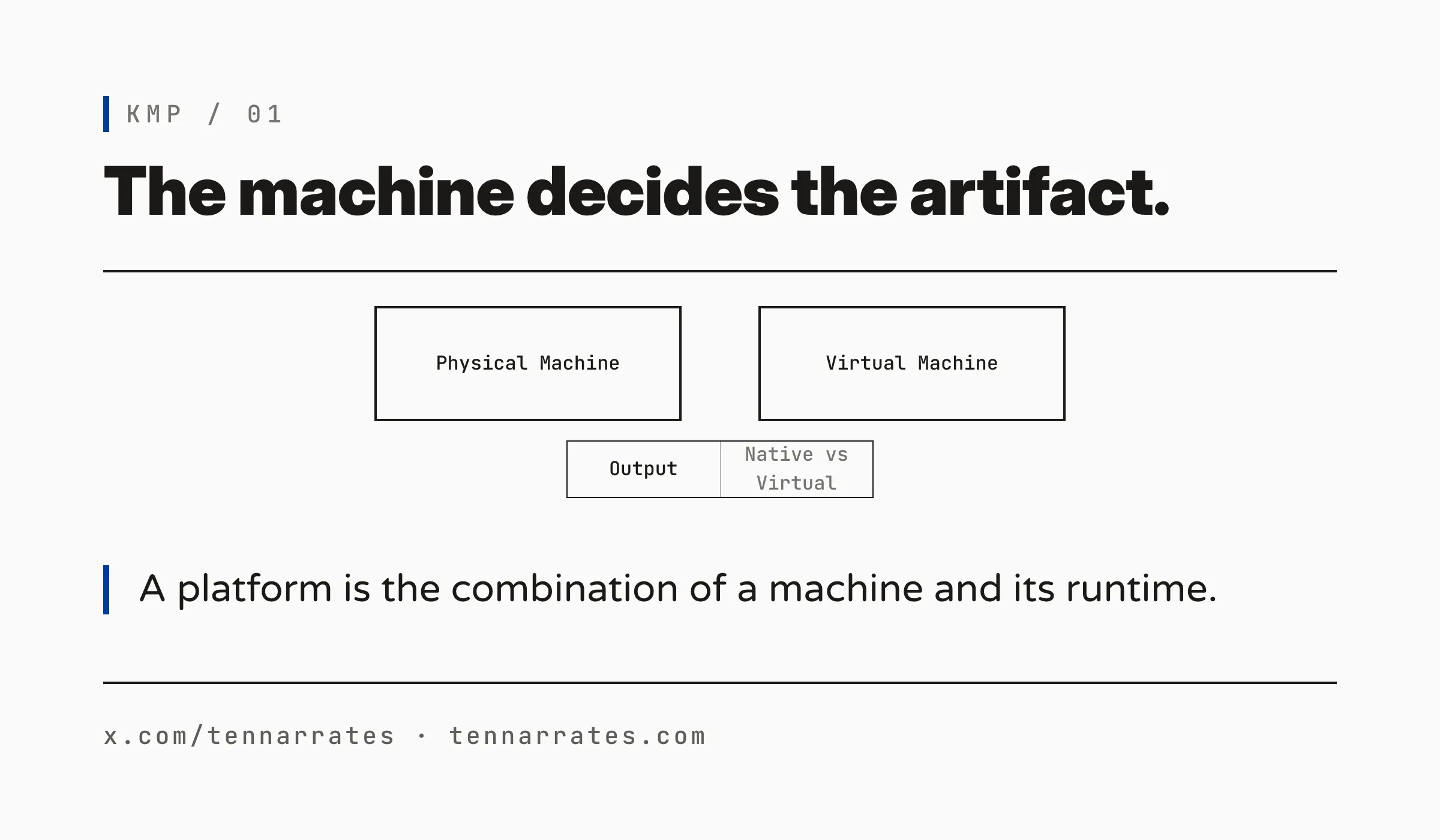
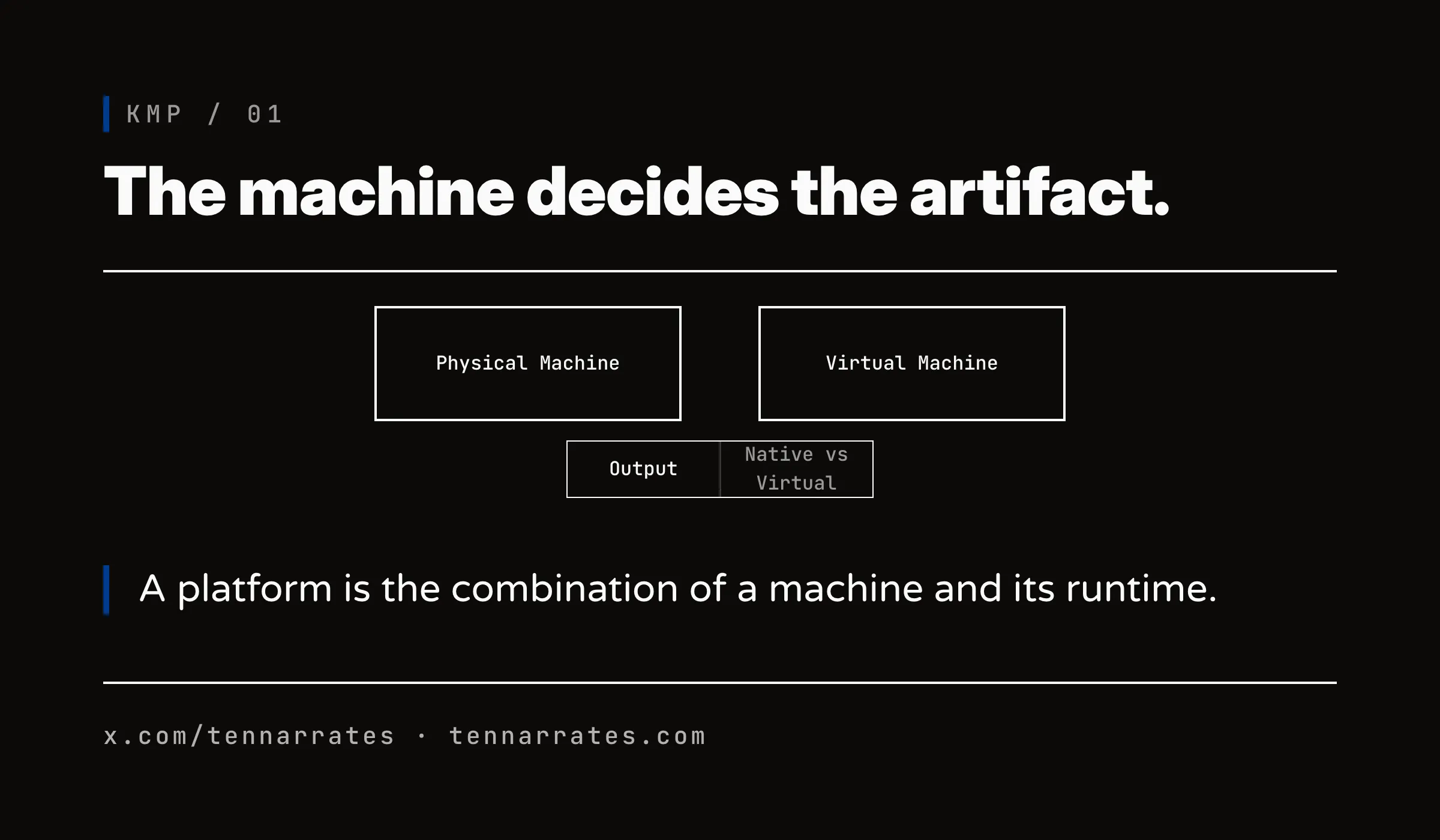
A machine is the combination of a CPU and an operating system. The CPU provides the instruction set while the OS manages the resources. Together, they define the environment where code executes.
A virtual machine is also a machine, with the Java Virtual Machine (JVM) being the most common example. It is software that behaves like a machine, allowing you to write code for the JVM while it handles the translation to the physical CPU and OS.
The result of a build is an artifact, which is the file that a machine runs. The shape of this file depends entirely on the machine. A JVM runs a .jar file, macOS runs a Mach-O binary, and a web browser loads .js or .wasm.
2. Platform
A platform is the place where a program runs. It is the machine (physical or virtual) plus the runtime environment. The platform decides which artifact the program must come in.
In KMP, a “target” is the build-side handle for a platform. When you add a target to your Gradle file, you are telling Kotlin to produce an artifact for that specific platform.
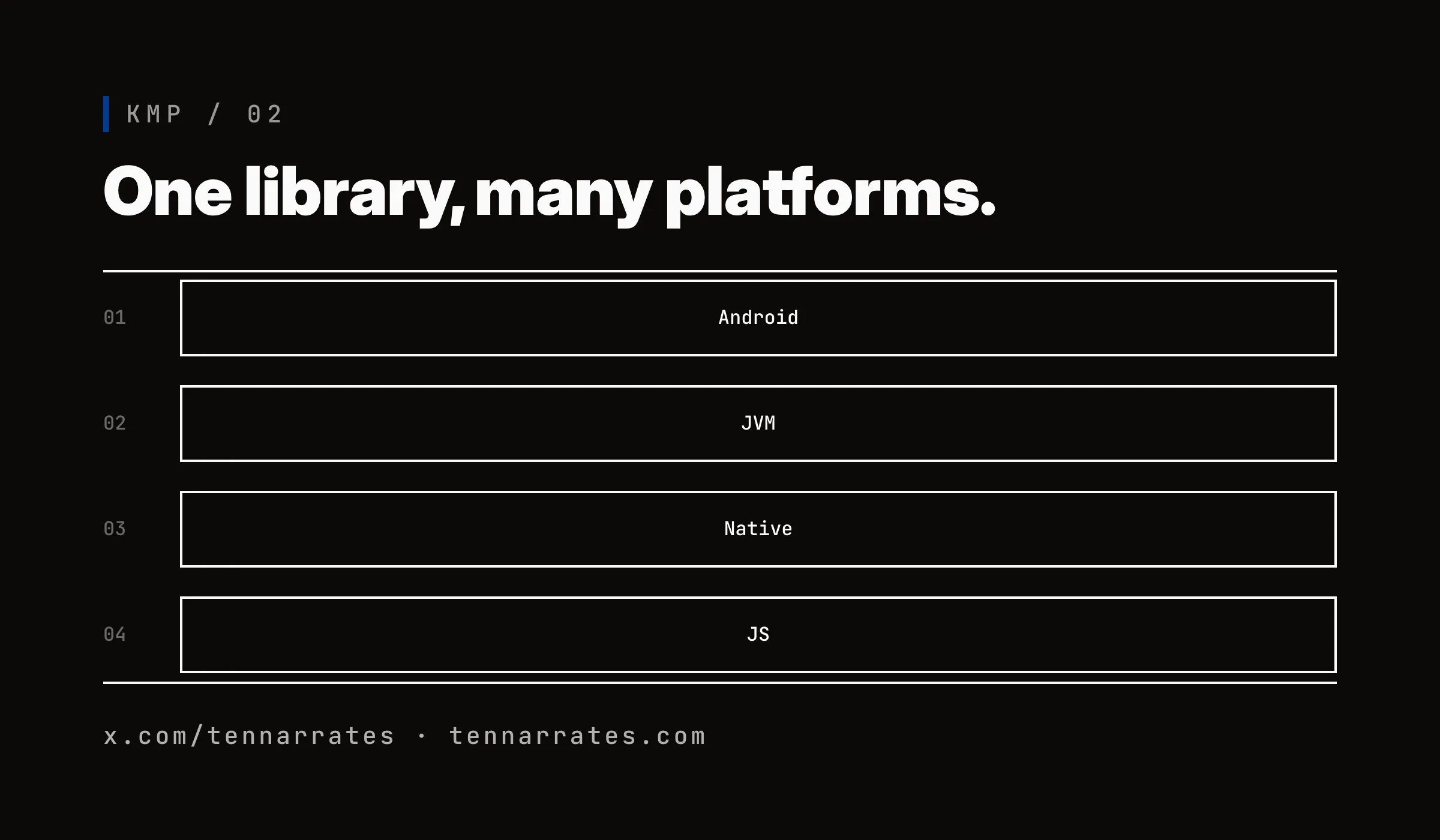
KMP supports a wide range of platforms, including Android, the JVM for desktop and server, Apple’s ecosystem (iOS, macOS, tvOS, and watchOS), native Windows and Linux, and the web via browser and Node.js.
Each of these platforms demands its own exact native artifact, but they can all be produced from the same shared source.
3. The setup: one library, many executables
The simplest way to organize a multiplatform project is the library + executable approach.
In this setup, the shared logic lives in a library, while the platform-specific entry point—the main function—lives in the executables. For this introduction, we follow one strict rule: the library contains no platform-specific code and only contains the logic that is common to everyone.
The goal is simple: get “Hello, Platform!” to print on every target, starting with the project structure in the settings file.
$ ./hello/build/bin/macosArm64/releaseExecutable/hello.kexe
Hello, Platform!

$ java -jar hello/build/libs/hello-jvm.jar
Hello, Platform!

$ node hello/build/dist/js/productionExecutable/hello.js
Hello, Platform!

$ ./gradlew :hello:wasmJsNodeDevelopmentRun --console=plain
> Task :hello:wasmJsNodeDevelopmentRun
Hello, Platform!
The shared logic is placed in the library’s commonMain source set, where we create a Greeter class to hold the greeting string.
  $ cat settings.gradle.kts
  pluginManagement {
      repositories {
          google()
          mavenCentral()
          gradlePluginPortal()
      }
  }

  dependencyResolutionManagement {
      repositories {
          google()
          mavenCentral()
      }
  }

  rootProject.name = "hello-platform"

  include(":hello")
  include(":android-app")
We also provide a main function in commonMain, which serves as the entry point for the resulting binary on native and web targets.
  $ cat hello/src/commonMain/kotlin/HelloPlatform.kt
  package hello

  class Greeter {
      fun greeting(): String = "Hello, Platform!"
  }
When we build this project, Kotlin produces a different artifact for every target. We can verify this by running the resulting binaries.
$ ./gradlew :hello:build --console=plain
...
BUILD SUCCESSFUL in 14s
185 actionable tasks: 9 executed, 176 up-to-date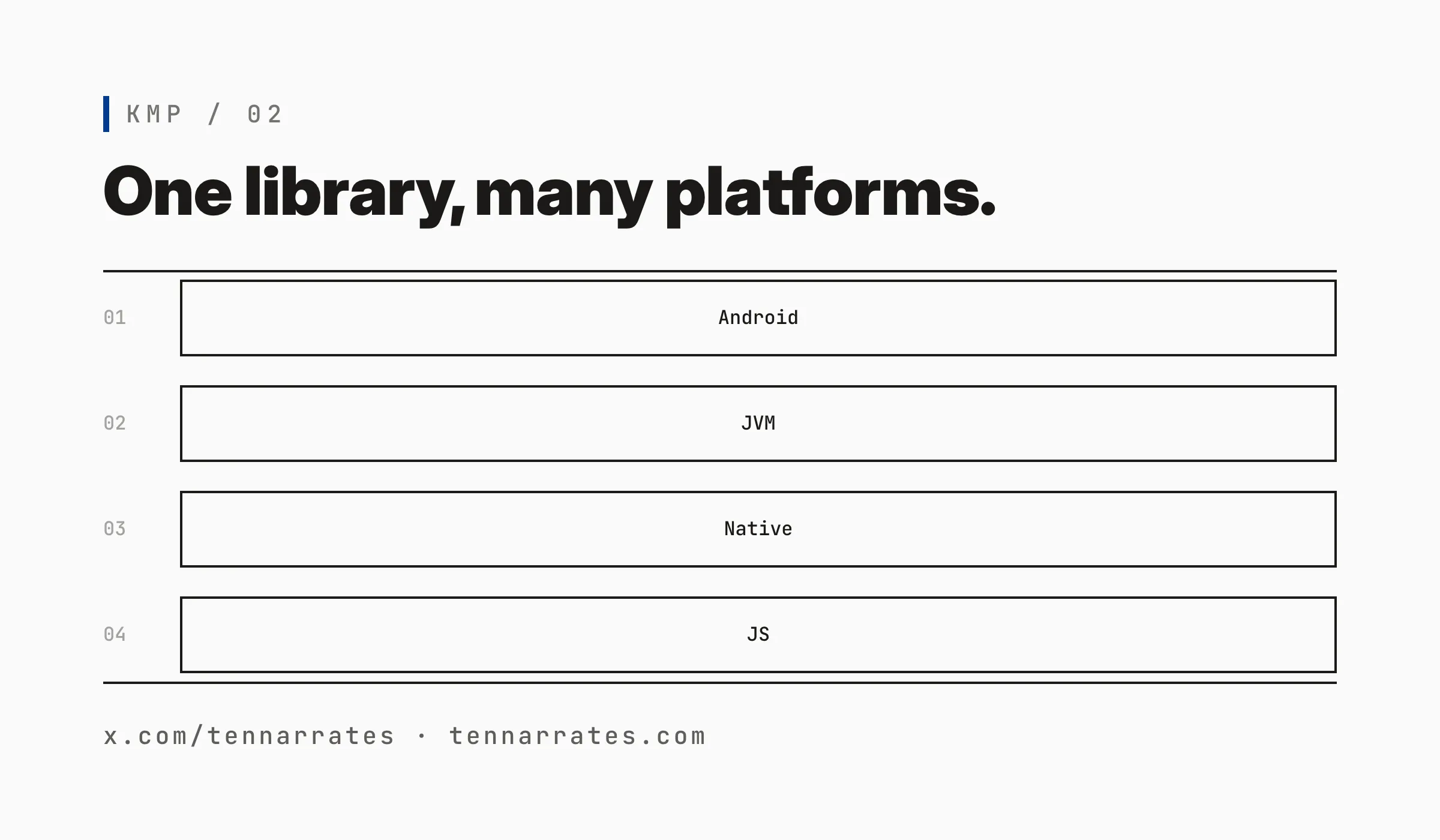
4. Libraries, concerns, and Gradle modules
In a real project, you do not put all your shared code into one giant library. Instead, you modularize by concern.
A “concern” is a specific responsibility, such as networking, database access, or business logic. Each concern is mapped to its own Gradle module. This allows you to expose only the necessary API to other modules or executables.
In our “Hello, Platform!” project, we have one concern: the greeting. This is mapped to the :hello module.
An executable consumes this library as a dependency. For example, the Android app is a separate Gradle module that depends on the :hello library.
  $ find hello/src -type f
  hello/src/commonMain/kotlin/HelloPlatform.kt
  hello/src/commonMain/kotlin/Main.kt
The Android app uses the Greeter class from the shared library to display the text in a TextView.
  $ ./hello/build/bin/macosArm64/releaseExecutable/hello.kexe
  Hello, Platform!

  $ java -jar hello/build/libs/hello-jvm.jar
  Hello, Platform!

  $ node hello/build/dist/js/productionExecutable/hello.js
  Hello, Platform!

  $ ./gradlew :hello:wasmJsNodeDevelopmentRun --console=plain
  > Task :hello:wasmJsNodeDevelopmentRun
  Hello, Platform!
5. Shared source, host binaries
The path from a single line of Kotlin code to a running binary is a pipeline.
The process starts in commonMain, where the Kotlin compiler (K2) turns this source into a common intermediate representation (IR). Then, a target-specific backend takes that IR and turns it into the host artifact.
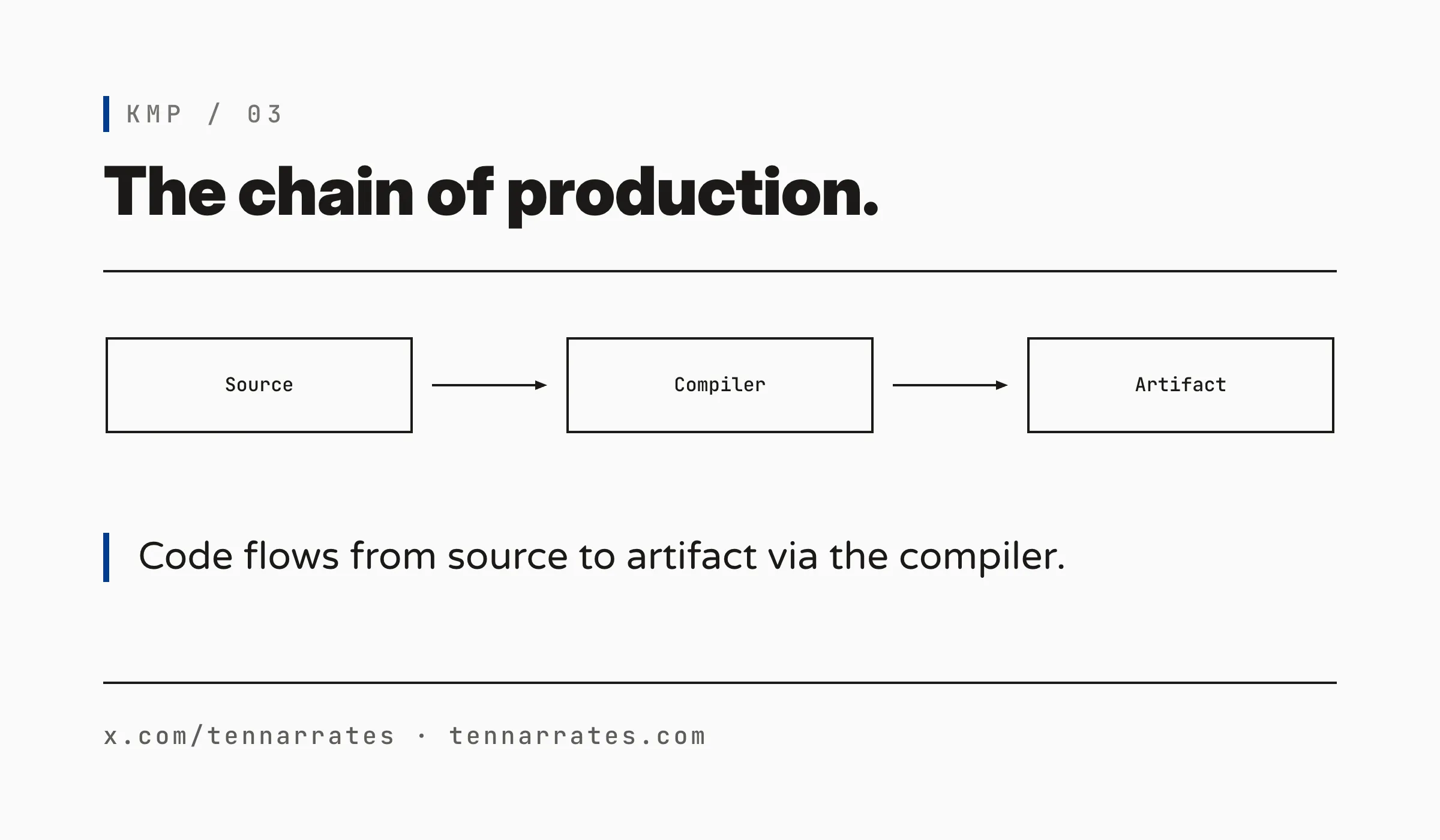
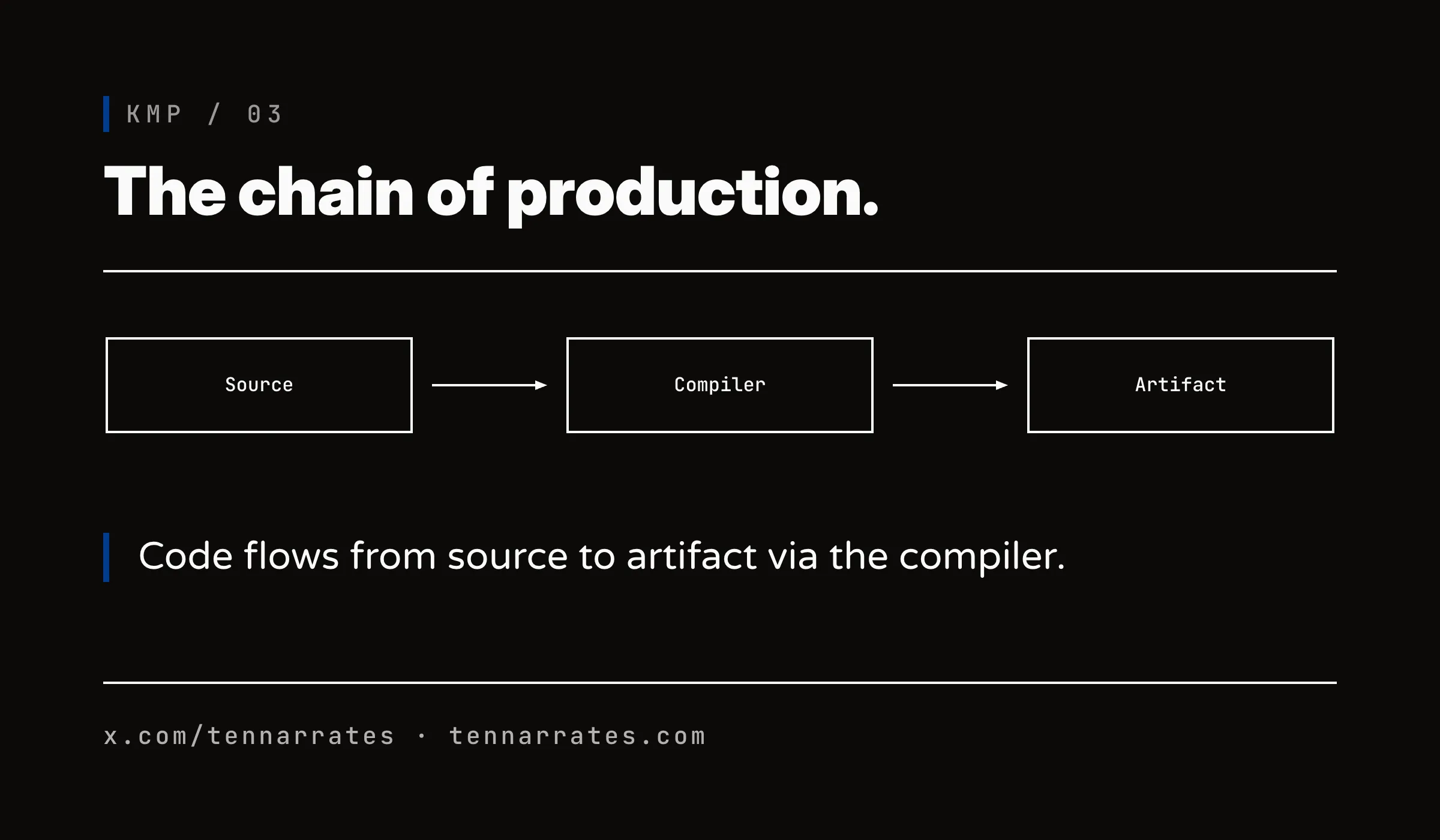
We can inspect the actual files produced by the build. On a macOS host, Kotlin can produce binaries for Linux and Windows as well.
  $ unzip -l hello/build/libs/hello-jvm.jar
  Archive:  hello/build/libs/hello-jvm.jar
    Length      Date    Time    Name
  ---------  ---------- -----   ----
            0  02-01-1980 00:00   META-INF/
           45  02-01-1980 00:00   META-INF/MANIFEST.MF
          738  02-01-1980 00:00   MainKt.class
           36  02-01-1980 00:00   META-INF/hello-platform_hello.kotlin_module
            0  02-01-1980 00:00   hello/
          705  02-01-1980 00:00   hello/Greeter.class
  ---------                     -------
         1524                     6 files
The following table lists the artifacts produced by our build for each target.
| Platform (target) | Artifact produced by this build | |---------------------|----------------------------------------------------------| | Android (androidTarget) | hello-release.aar (contains classes.jar) | | JVM (jvm) | hello-jvm.jar (runnable, Main-Class: MainKt) | | Apple (iosArm64, iosSimulatorArm64, tvosSimulatorArm64, watchosSimulatorArm64, macosArm64) | HelloPlatform.framework per target | | Native macOS (macosArm64) | hello.kexe, libhello.dylib, libhello.a | | Native Linux (linuxX64, linuxArm64) | hello.kexe, libhello.so, libhello.a | | Native Windows (mingwX64) | hello.exe, hello.dll, libhello.a | | Web browser/Node (js) | hello.js | | Web browser/Node (wasmJs) | hello.js + 96f748b1b60697a54f1b.wasm |
Some of these artifacts are bundles. A .framework for Apple platforms is a directory containing the Mach-O binary and the headers needed for Swift or Objective-C to call the code. Similarly, an .aar for Android is a zip file containing the compiled classes and the manifest.
We can see the contents of the Android artifact by unzipping it.
  $ cat android-app/build.gradle.kts
  plugins {
      id("com.android.application")
      kotlin("android")
  }

  android {
      namespace = "dev.tennarrates.hello"
      compileSdk = 35

      defaultConfig {
          applicationId = "dev.tennarrates.hello"
          minSdk = 24
          targetSdk = 35
          versionCode = 1
          versionName = "1.0"
      }

      buildTypes {
          release {
              isMinifyEnabled = false
          }
      }

      compileOptions {
          sourceCompatibility = JavaVersion.VERSION_17
          targetCompatibility = JavaVersion.VERSION_17
      }
  }

  kotlin {
      compilerOptions {
          jvmTarget.set(org.jetbrains.kotlin.gradle.dsl.JvmTarget.JVM_17)
      }
  }

  dependencies {
      implementation(project(":hello"))
      implementation("androidx.appcompat:appcompat:1.7.1")
  }
And for the JVM, the .jar file contains the compiled bytecode.
  $ cat hello/src/commonMain/kotlin/Main.kt
  import hello.Greeter

  fun main() {
      println(Greeter().greeting())
  }
One shared source, many host binaries.