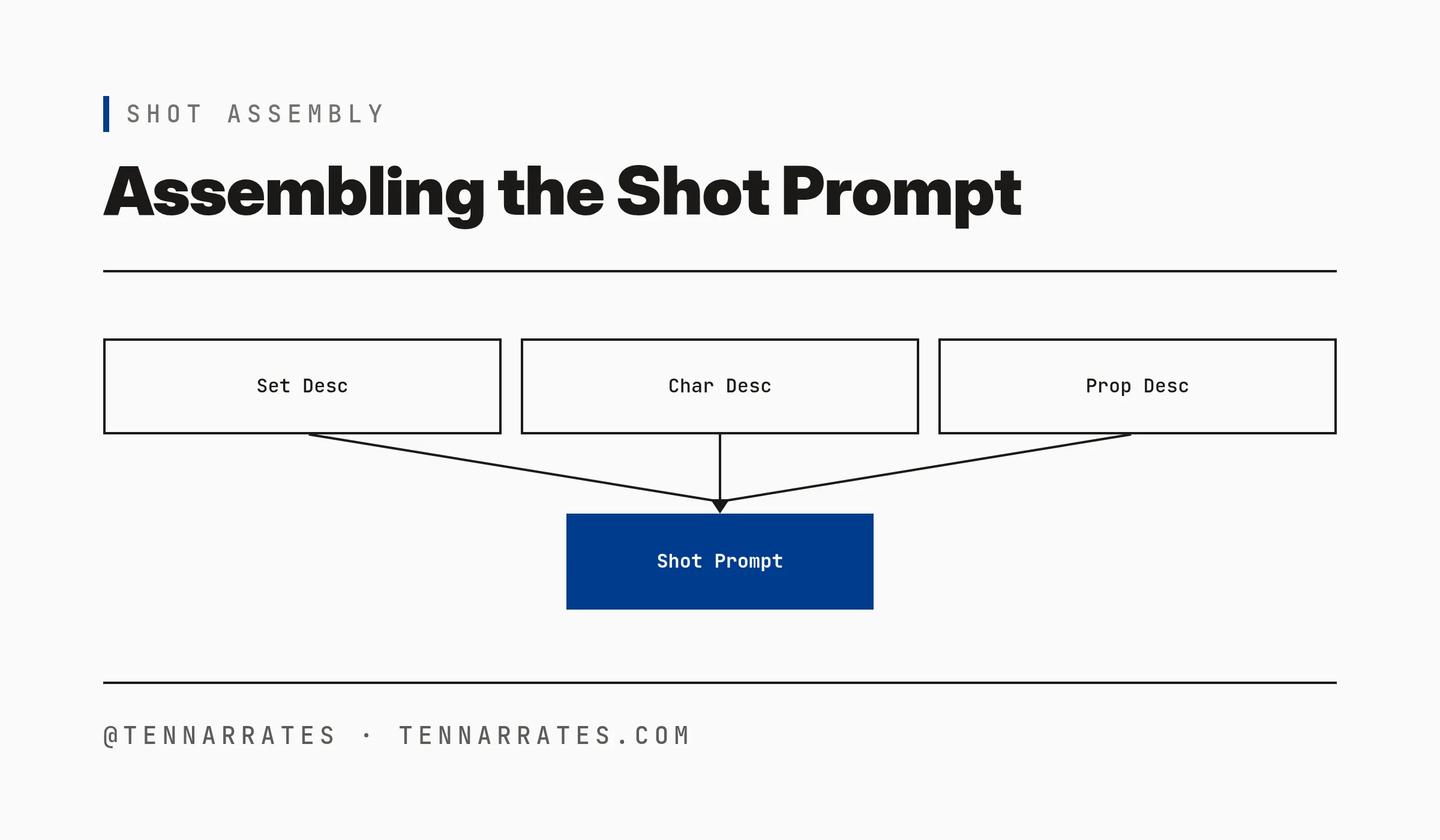
The script-to-video pipeline
A script is not just dialogue; it is a blueprint for a visual world. When you write a script, you define who is in the story, what they use, and where they are. This information is exactly what an AI video model needs to maintain consistency. Most developers try to generate video by feeding the script directly into a model, but this approach fails because current models have no long-term memory and invent the world anew for every shot.
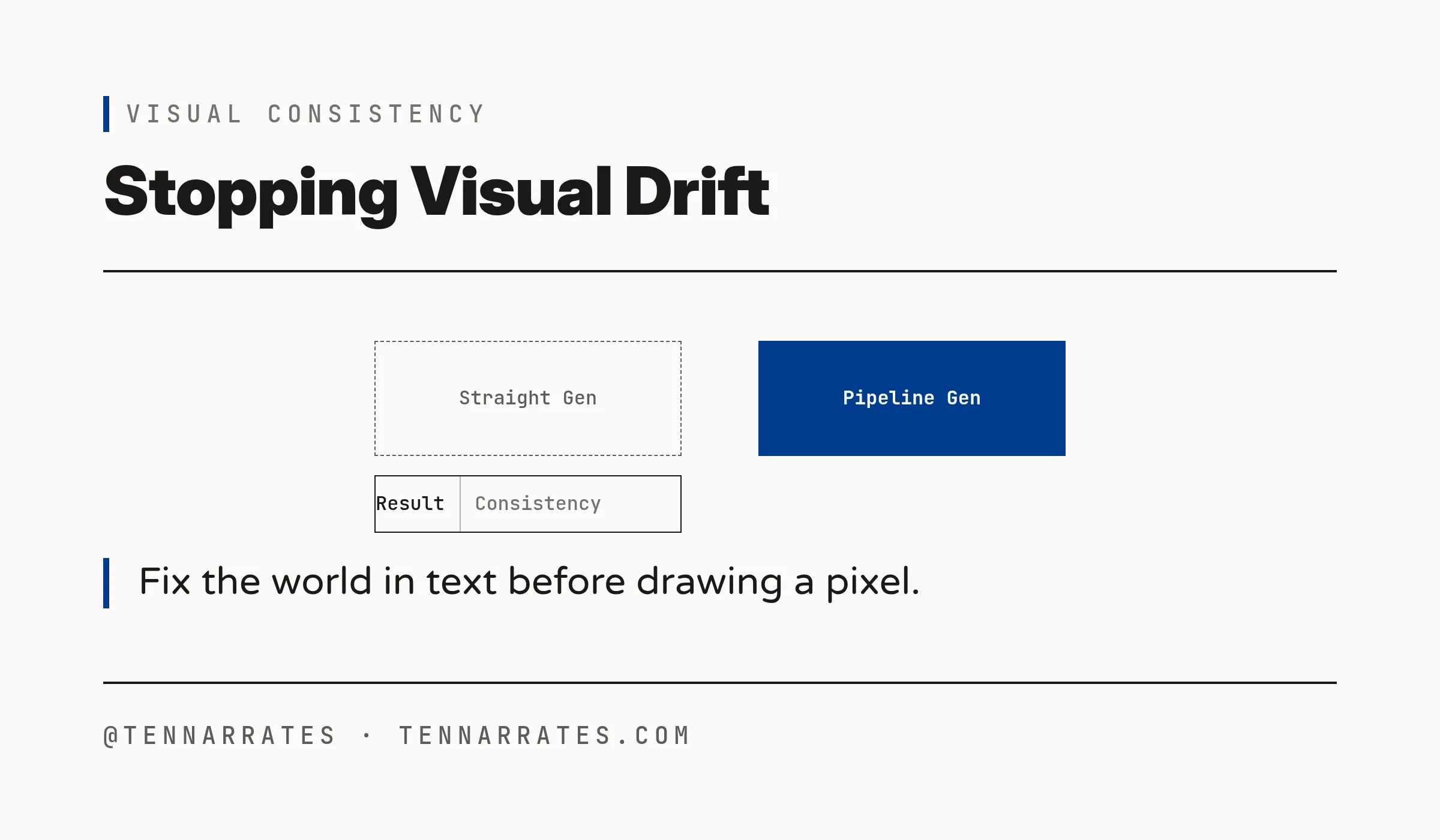
The result is visual drift, which is the change in the appearance of a character or object across different shots. A character might have a red jacket in one shot and a blue one in the next, or a coffee cup might change shape or color. The fix for drift is a pipeline—a sequence of processing stages that transforms an input into a final output—rather than a better video model.
To stop drift, you must fix the visual world before you draw a single pixel. This requires two distinct phases. First, you use a text-to-text phase to extract the world and compose the shots. Second, you use a generation phase to create the images and video. Nothing is generated until the world is fixed in text.
1. The script already contains the video
M-1
The pipeline begins with a script, which is a written document that describes the action and dialogue of a story. This document contains all the data needed to build the visual world by naming the characters, describing their appearance, listing the props they use, and defining the sets where the action happens.
Consider this sample script:
  INT. DINER - NIGHT

  MARA, 30s, red jacket, short black hair, sits across from JONAS, 40s, gray beard, mechanic's overalls. A coffee cup between them.

  MARA: You didn't answer my phone.

  JONAS: I was fixing the truck.

  MARA: The truck? You sold the truck.

  Jonas reaches for the coffee cup. Mara pushes it away.

  INT. PARKING LOT - NIGHT

  Mara and Jonas walk to the truck. A toolbox sits on the curb.

  JONAS: I kept the toolbox.

  MARA: I know you did.

  EXT. HIGHWAY - DAWN

  The truck pulls away. Mara watches from the roadside.
If you pass this text directly to a video model, the model must guess the appearance of Mara and Jonas for every shot. Because the model is stochastic (random), it will make different guesses every time. One shot might show Mara with short hair; the next might show her with long hair.
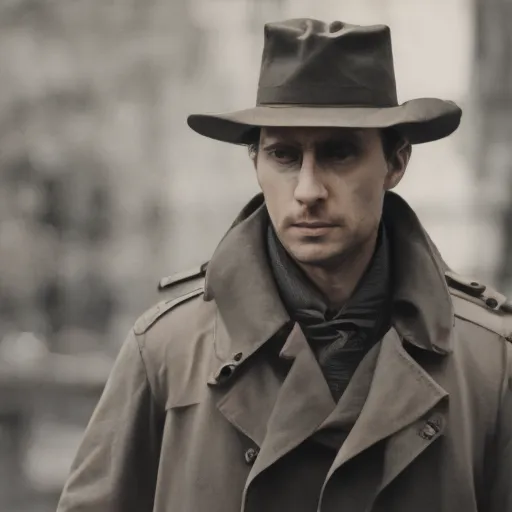
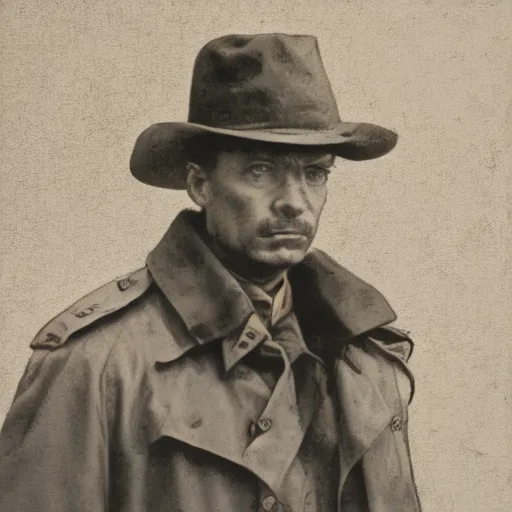
The drift demo proves this by showing that when you ask a model to draw the same prompt three times, you get three different faces.
  seed 1 -> output/drift/drift-seed-1.png
  seed 2 -> output/drift/drift-seed-2.png
  seed 3 -> output/drift/drift-seed-3.png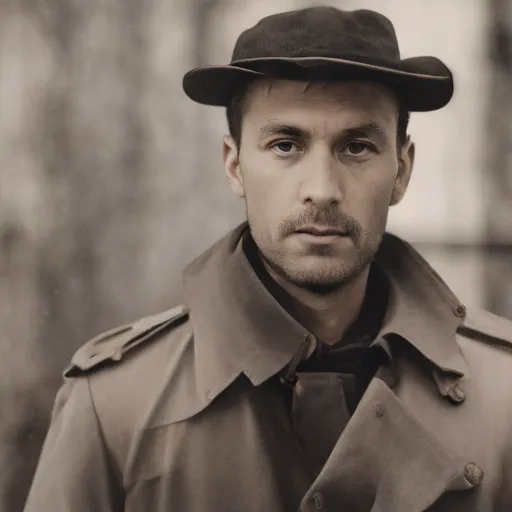
Industry tools use reference media instead of solving this inside the model. A reference image is an image used to guide a model to maintain consistency by providing a fixed image of a character as a base. The consistency is the job of the pipeline, not the model.
M-2
2. Identify the world
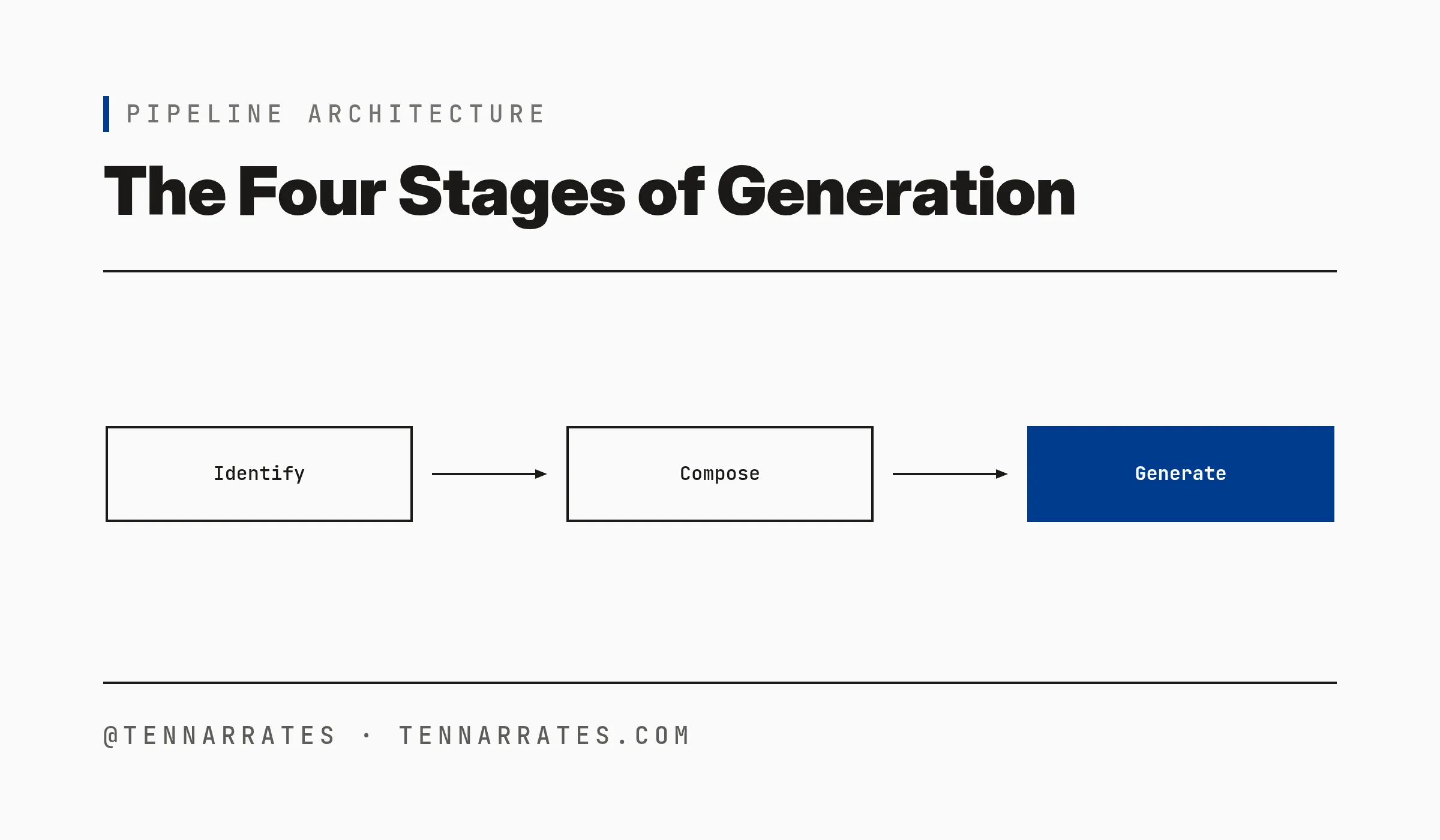
The first stage is Identify, where the goal is to extract the visual world—the set of all characters, props, and sets in a story—from the script.
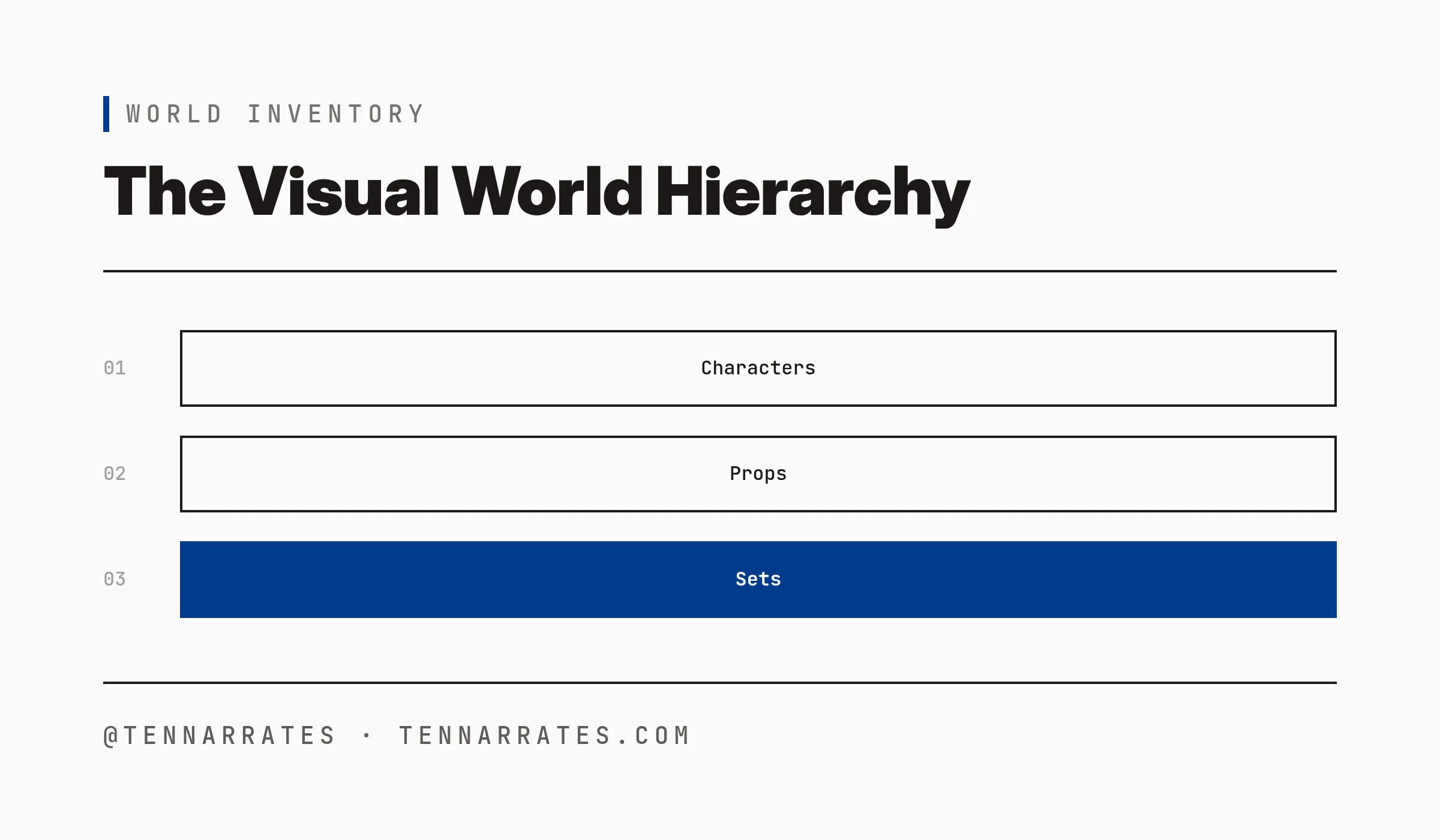
The pipeline categorizes the world into four elements: characters who are the people in the story, props which are the objects they use, sets where the action happens, and scenes which are the sequences of action that happen in one set.
A name is not a prompt because if you tell a model to draw “the detective,” the model will draw a generic detective. To get a consistent result, you need a description, which is a detailed text prompt that defines the visual traits of an element. For a character, this includes age, build, clothing, and hair, while for a prop, it includes material, color, and size.
The Identify stage uses a Large Language Model (LLM) to create an inventory. An inventory is a structured list of all visual elements in a script. The LLM follows strict rules to ensure the descriptions are useful for image models.
  Rules:
  - A character description is what an image model needs to draw them: age, build, clothing, hair, face.
  - A prop description is what an image model needs to draw it: material, color, size, condition. Use only what the script says; do not invent details.
  - List every prop named in the script, even when it appears in only one scene. Include objects the characters refer to in dialogue, not only objects in action lines.
  - A set is a place. Its description is what an image model needs to draw it: interior or exterior, time of day, lighting, mood.
  - A scene is what happens in a place. Its description names the characters present, the props used, and the action.
  - One scene per slugline. Each INT./EXT. heading in the script starts a new scene; never merge two sluglines into one scene.
The output of this stage is a structured file, such as a JSON object, which serves as the single source of truth for the rest of the pipeline.
  {
    "characters": [
      {
        "name": "Mara",
        "description": "30s, red jacket, short black hair, sits across from Jonas"
      },
      {
        "name": "Jonas",
        "description": "40s, gray beard, mechanic's overalls"
      }
    ],
    "props": [
      {
        "name": "Coffee cup",
        "description": "between Mara and Jonas"
      },
      {
        "name": "Toolbox",
        "description": "on the curb in the parking lot"
      }
    ],
    "sets": [
      {
        "name": "Diner",
        "description": "interior, night, dim lighting, mood of tension between characters"
      },
      {
        "name": "Parking lot",
        "description": "night, exterior, with a truck and toolbox on the curb"
      },
      {
        "name": "Highway",
        "description": "exterior, dawn, open road, with a truck driving away"
      }
    ],
    "scenes": [
      {
        "number": 1,
        "heading": "INT. DINER - NIGHT",
        "description": "Mara (30s, red jacket) and Jonas (40s, gray beard) sit across from each other at a table in the diner. A coffee cup is between them. Mara mentions that Jonas didn't answer her phone call, and Jonas explains he was fixing the truck. Mara questions why he sold it, but Jonas clarifies he kept the toolbox."
      },
      {
        "number": 2,
        "heading": "INT. PARKING LOT - NIGHT",
        "description": "Mara and Jonas walk to a truck in a parking lot where a toolbox sits on the curb. Jonas confirms he has kept the toolbox despite Mara's knowledge of this fact."
      },
      {
        "number": 3,
        "heading": "EXT. HIGHWAY - DAWN",
        "description": "The truck drives away from the highway as dawn breaks. Mara watches it leave from the roadside."
      }
    ]
  }
M-3
3. One image per element
Once the inventory is fixed, the pipeline moves to the Assign stage to create a visual dictionary, which is a collection of reference images, one for each element in the inventory.
Image models do not have memory and cannot remember the character you drew in the previous call. To keep Mara looking like Mara, you must provide the same reference image for every shot she appears in.
The pipeline generates one image for every character, prop, and set in the inventory. It uses the descriptions from the Identify stage as prompts. To ensure the images are stable, the pipeline uses a deterministic seed. A seed is a number that initializes the random number generator of the model. By using the same seed for the same element, the pipeline ensures that the element always looks the same.
The output of this stage is a set of images and a mapping that links each element name to its image path.
  characters/Mara -> output/run-1/elements/mara.png
  characters/Jonas -> output/run-1/elements/jonas.png
  props/Coffee cup -> output/run-1/elements/coffee_cup.png
  props/Toolbox -> output/run-1/elements/toolbox.png
  sets/Diner -> output/run-1/elements/diner.png
  sets/Parking lot -> output/run-1/elements/parking_lot.png
  sets/Highway -> output/run-1/elements/highway.png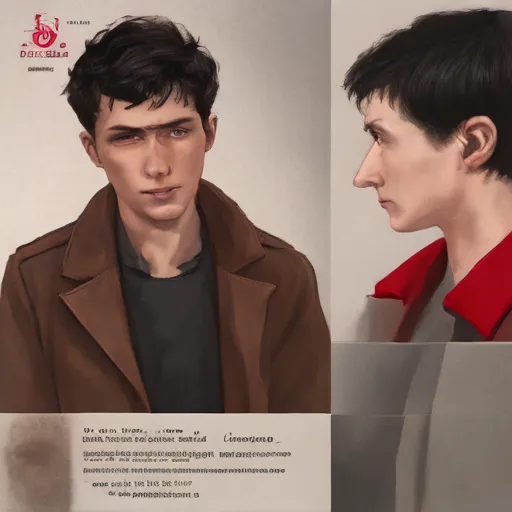
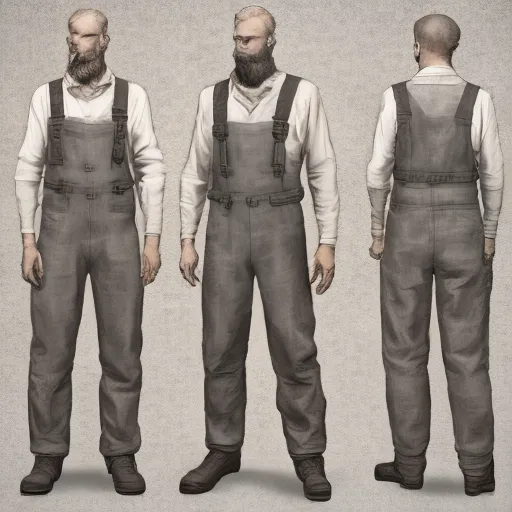
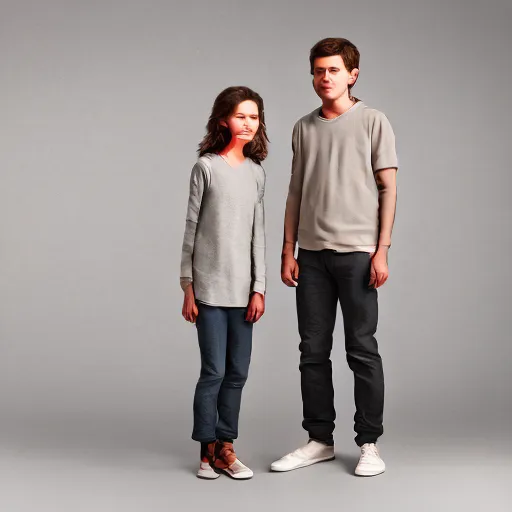
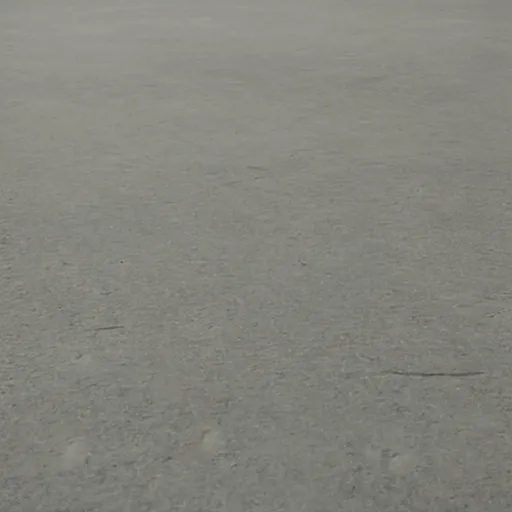
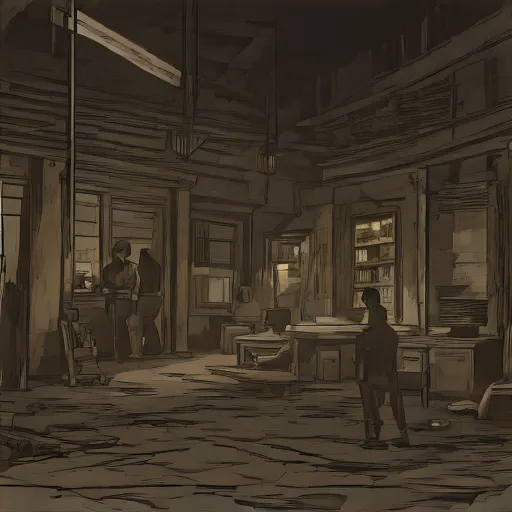
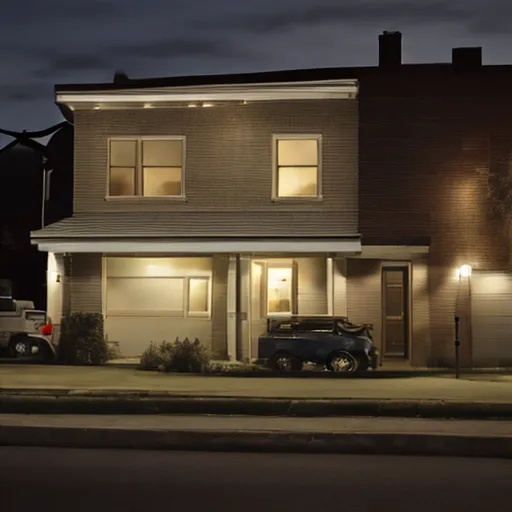
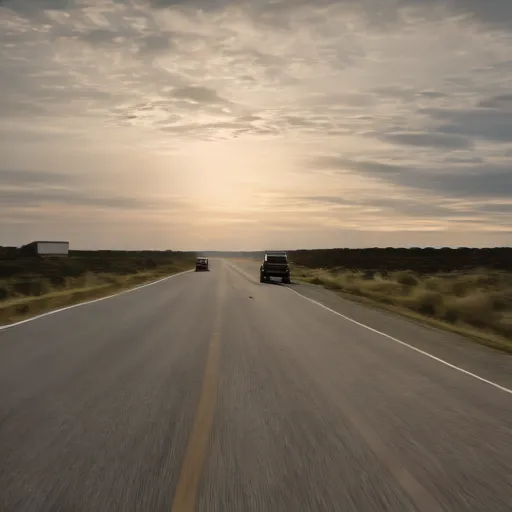
This dictionary allows the pipeline to look up the visual identity of any element by its name. When the pipeline needs to draw a shot with Mara and a coffee cup, it retrieves the reference images for both.
4. Scenes into shots
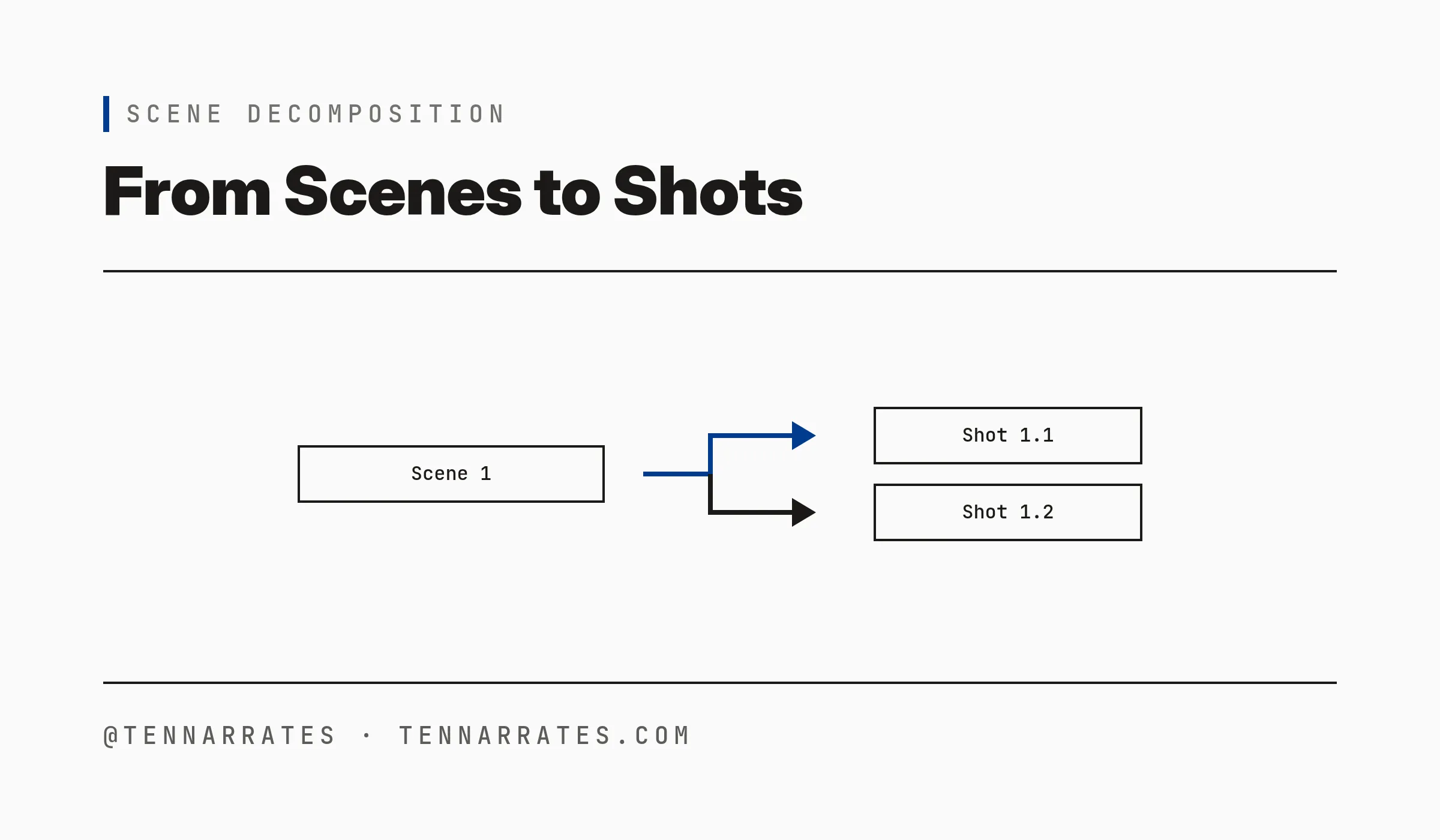
The third stage is Compose, another text-to-text step where the pipeline takes the scenes from the inventory and splits them into shots.
A shot is the smallest unit of generation and represents a single continuous take of a scene. A scene is often too complex for a single image or video clip. For example, a scene in a diner might include a wide shot of the room, a close-up of a coffee cup, and a medium shot of two people talking.
The pipeline decomposes each scene into a list of shots, with each shot containing the set where the action happens, the characters present, the props used, and the specific action taking place.
There is a critical constraint in the Compose stage: the two-character rule. The pipeline limits each shot to at most two characters. This is because image models struggle to maintain the identity of three or more people in a single frame. Consistency breaks first when the frame becomes crowded.
The output of this stage is a shot list. Each shot in the list has a full prompt that combines the descriptions of the set, the characters, and the props.
  {
    "shots": [
      {
        "scene": 1,
        "number": 1,
        "set": "Diner, interior, night, dim lighting, mood of tension between characters",
        "characters": [
          "Mara",
          "Jonas"
        ],
        "props": [
          "Coffee cup"
        ],
        "action": "MARA (30s, red jacket) and JONAS (40s, gray beard) sit across from each other at a table in the diner. A coffee cup is between them. Mara mentions that Jonas didn't answer her phone call, and Jonas explains he was fixing the truck. Mara questions why he sold it, but Jonas clarifies he kept the toolbox.",
        "prompt": "Mara (30s, red jacket) and Jonas (40s, gray beard) sit across from each other at a table in the diner with a coffee cup between them. A toolbox sits on the curb outside. Mara mentions that Jonas didn't answer her phone call, and Jonas explains he was fixing the truck. Mara questions why he sold it, but Jonas clarifies he kept the toolbox."
      },
      {
        "scene": 2,
        "number": 1,
        "set": "Parking lot, night, exterior, with a truck and toolbox on the curb",
        "characters": [
          "Mara",
          "Jonas"
        ],
        "props": [
          "Toolbox"
        ],
        "action": "MARA and JONAS walk to a truck in a parking lot where a toolbox sits on the curb. Jonas confirms he has kept the toolbox despite Mara's knowledge of this fact.",
        "prompt": "Mara and Jonas walk to a truck in a parking lot where a toolbox sits on the curb. Jonas confirms he has kept the toolbox despite Mara's knowledge of this fact."
      },
      {
        "scene": 3,
        "number": 1,
        "set": "Highway, exterior, dawn, open road, with a truck driving away",
        "characters": [
          "Mara"
        ],
        "props": [],
        "action": "The truck drives away from the highway as dawn breaks. Mara watches it leave from the roadside.",
        "prompt": "Mara watches the truck drive away from the highway as dawn breaks."
      }
    ]
  }
M-4
5. The run
The final stage is Generate, where the pipeline takes the shot list and the visual dictionary to produce the final images or video. For each shot, the pipeline passes the shot prompt and the reference images of the involved elements to the model.
A full run of the pipeline on a short script looks like this:
  $ ./run.sh data/sample_script.txt output/run-1
  characters/Mara -> output/run-1/elements/mara.png
  characters/Jonas -> output/run-1/elements/jonas.png
  props/Coffee cup -> output/run-1/elements/coffee_cup.png
  props/Toolbox -> output/run-1/elements/toolbox.png
  sets/Diner -> output/run-1/elements/diner.png
  sets/Parking lot -> output/run-1/elements/parking_lot.png
  sets/Highway -> output/run-1/elements/highway.png
  scene 1 shot 1 -> output/run-1/shots/shot-01-01.png
  scene 2 shot 1 -> output/run-1/shots/shot-02-01.png
  scene 3 shot 1 -> output/run-1/shots/shot-03-01.png
  done: output/run-1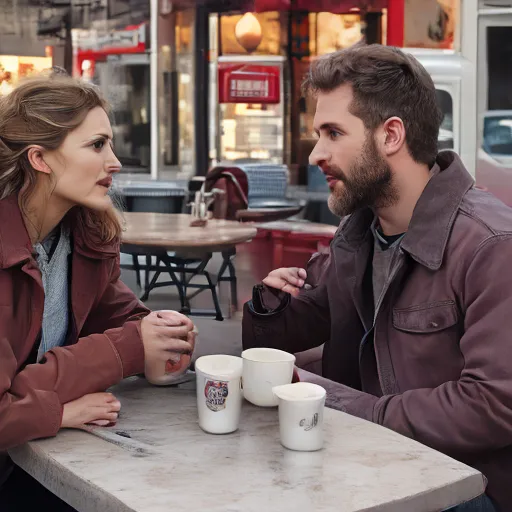
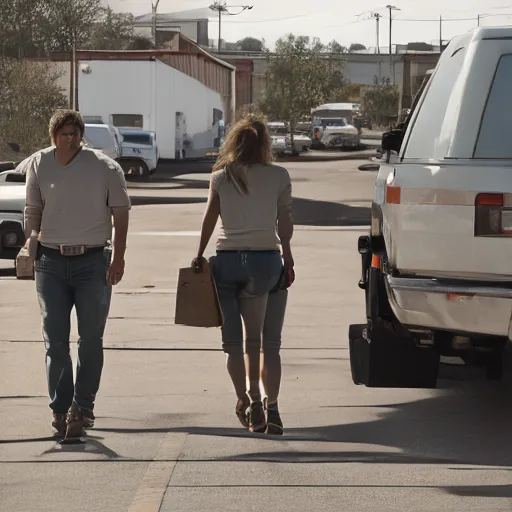
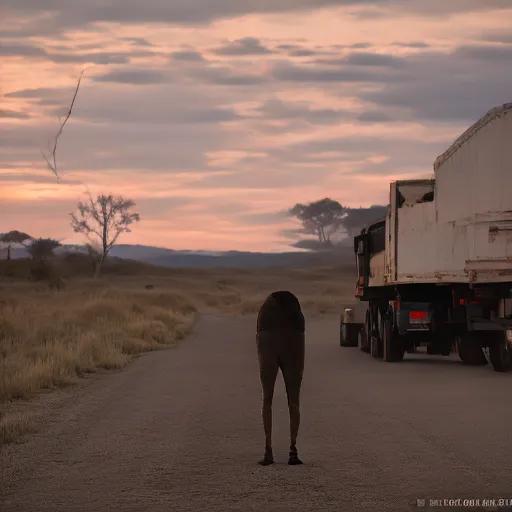
The two-phase structure works because the text stages are deterministic and produce the same inventory and shot list every time, while the generation stage is stochastic but anchored by reference images to remove drift. Mara stays Mara, and the diner stays the diner.
However, the pipeline reveals the limits of current technology. One major problem is prompt length. Most image models use a text encoder called CLIP. CLIP is a model that turns text into numbers the image model can understand. CLIP has a hard limit of 77 tokens. A token is a chunk of text, roughly four characters.
When the pipeline combines a set description, two character descriptions, and a prop description, the prompt often exceeds 77 tokens. The model simply cuts off the end of the prompt.
  Token indices sequence length is longer than the specified maximum sequence length for this model (81 > 77). Running this sequence through the model will result in indexing errors
  The following part of your input was truncated because CLIP can only handle sequences up to 77 tokens: ['fies he kept the toolbox.']
This truncation means the model might ignore the last part of the action. To fix this, developers must either shorten their descriptions or use models with larger context windows.
The pipeline also shows that image-to-video is the next necessary step. The current pipeline produces consistent images. To get video, you use the shot image as the first frame and use a video model to animate it. This ensures the video starts with the correct visual identity.
By decomposing the problem into Identify, Assign, Compose, and Generate, you turn a random process into a controlled pipeline. You stop fighting the model and start managing the world.
M-5